


On this page
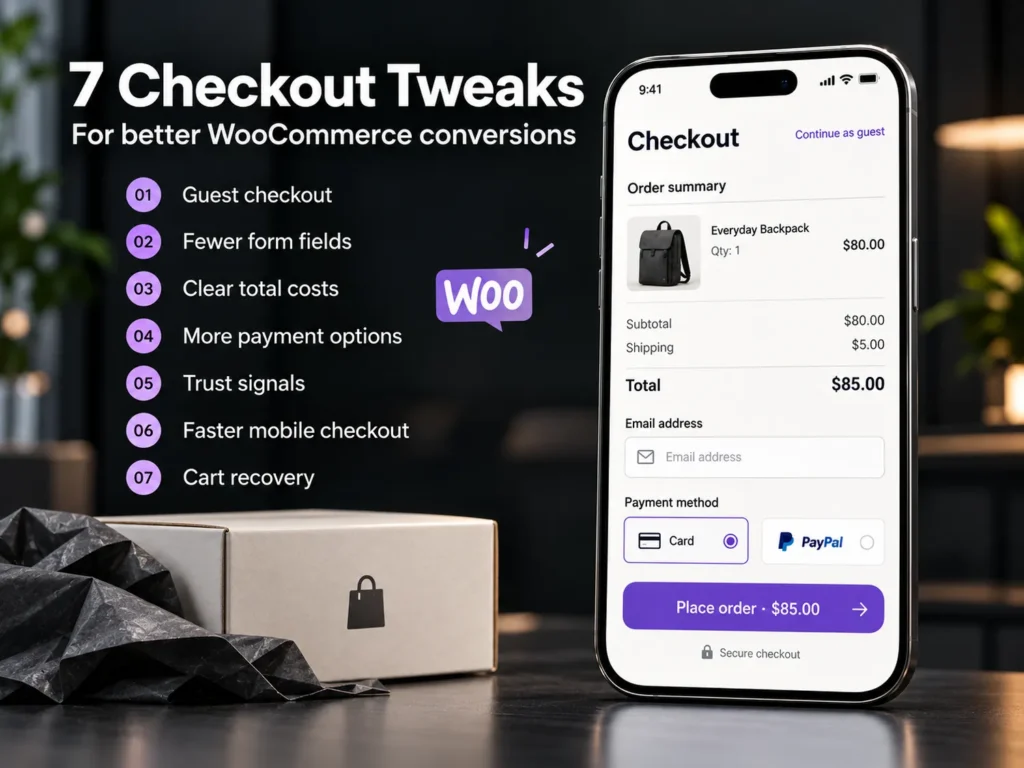
How do you optimise a WooCommerce checkout? Remove every field and step that does not help the order, show the full total early, allow guest checkout, offer the payment methods your customers already use, and make the page load fast on a phone. The seven tweaks below target the most common reasons shoppers abandon a WooCommerce checkout.
Baymard Institute's long-running research puts the average cart abandonment rate near 70%. Not every lost cart can be won back, but a good share is lost to friction you control: surprise costs, forced accounts, long forms and slow pages. Fixing those is usually cheaper than buying more traffic.
Why do shoppers leave at checkout?
Shoppers rarely leave because of one big problem. They leave because of several small ones that add up at the moment they are about to pay. The usual causes are:
- Shipping, tax or fees that only appear on the last step.
- A forced account before they can pay.
- A long form with fields they do not understand.
- Their preferred payment method is missing.
- A slow or broken page on a mobile phone.
- Doubts about whether the shop is safe and the return policy fair.
Which three tweaks remove the most friction?
1. Cut the form down
Ask only for what you need to ship and bill. Remove the company name, the second address line and order notes unless your business truly uses them. Fewer fields means fewer errors and faster completion on mobile. In WooCommerce this is done with the checkout fields filter or a small custom function, so no heavy plugin is needed.
2. Turn on guest checkout
In WooCommerce, open Settings, then Accounts and Privacy, and allow customers to place orders without an account. Capture the email address, then invite the buyer to create an account after the order, when the effort feels worth it.
3. Show the full total early
Show a shipping estimate on the cart page, and say clearly when shipping is free or which basket size unlocks it. A total that does not change on the last step builds trust.
Which four tweaks build trust, speed and recovery?
4. Offer payment methods that fit your market
Cards and wallets such as Apple Pay and Google Pay suit most stores. Add the local favourites too: cash on delivery or bank transfer in many South Asian and Gulf markets, mada in Saudi Arabia, SEPA direct debit, PayPal or Klarna in Germany. Connect each one through a reliable gateway and test every payment before you go live.
5. Put trust signals beside the pay button
Show secure payment icons, your return policy in one line, the delivery time and a way to contact you next to the button. Write error messages in plain words, for example 'Please check your phone number' instead of 'Invalid field'.
6. Make the checkout fast on mobile
Keep the cart, checkout and account pages out of page caching, compress images, remove scripts the checkout does not need, and test on a mid-range phone, not only on your laptop. Google's Core Web Vitals give clear targets: Largest Contentful Paint under 2.5 seconds, Interaction to Next Paint under 200 milliseconds and Cumulative Layout Shift under 0.1.
7. Recover abandoned carts
Send a reminder about an hour after the shopper leaves and a second one the next day. Show the cart contents, make the way back one click, and keep any discount for the second email. Only email people who have given consent, and follow privacy rules such as GDPR for EU customers. You can build this flow with n8n and a few simple steps instead of adding another heavy plugin.
A checkout is not a page to decorate. It is the last short conversation before payment, so every extra question needs a reason.
uSpark delivery team
Which tweak should you do first?
Start with the changes that cost the least and remove the most friction. This order works for most stores:
| Tweak | Effort | Where it helps |
|---|---|---|
| Guest checkout | Low | No forced sign-up |
| Fewer fields | Low | Faster completion on mobile |
| Early total and shipping info | Low | Fewer surprise exits |
| Trust signals | Low | Fewer last-second doubts |
| Local payment methods | Medium | More completed payments |
| Mobile speed | Medium | Less waiting, fewer drop-offs |
| Cart recovery emails | Medium | Wins back interested buyers |
How do you test one change at a time?
- Record a baseline for two weeks: how many visitors start checkout and how many complete an order.
- Change one thing only, for example guest checkout.
- Let it run for at least two full weeks so weekdays and weekends both count.
- Compare completed orders and revenue per visitor, not only clicks.
- Keep the change or undo it, and write down what you learned.
Small stores can compare one week against the next. Stores with more traffic can run a proper A/B test with a testing tool.
When is the theme the real problem?
If your checkout sits on a heavy page builder, fights with several plugins or cannot be changed without hacks, small tweaks only go so far. A lightweight, custom checkout template is often faster and easier to maintain. That is the point where WooCommerce development pays for itself.
Frequently asked questions
What is a good WooCommerce checkout conversion rate?
It depends on your traffic quality, prices and market, so a single industry number is a poor target. Measure your own baseline first, then improve against it.
Should I use a one-page checkout?
Not always. A single page works well when the form is short and baskets are small. A multi-step checkout can feel easier on mobile when you need many details. Test both with your own shoppers.
Does guest checkout mean losing customer data?
No. You still collect the email address and order details. Invite the buyer to create an account after the purchase, using the same details.
How long does it take to improve a checkout?
Most of the tweaks above can be done in days. Testing takes longer, because each change needs a few weeks of orders before you can trust the result.
The bottom line
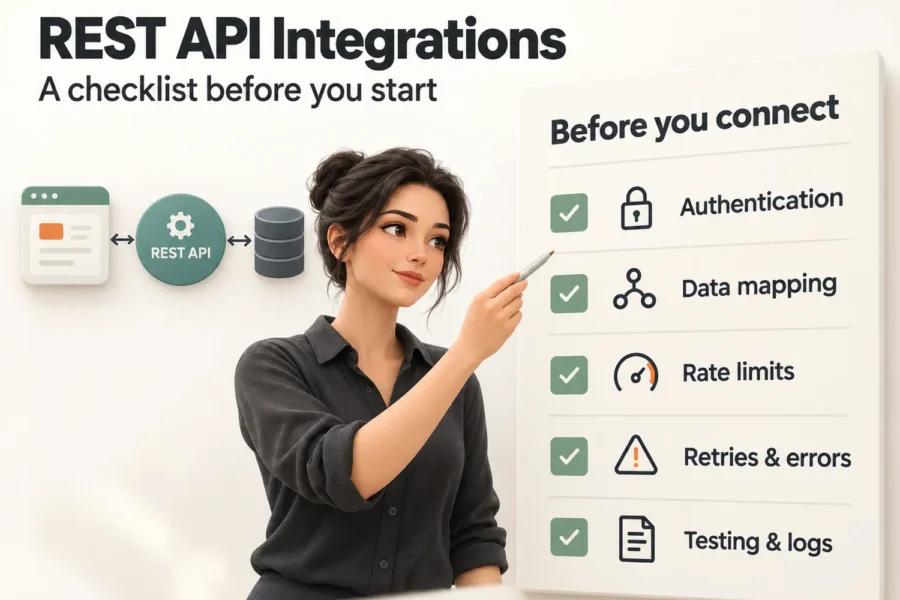
You do not need a new store to sell more. You need a checkout that asks less, shows more and loads fast. Start with guest checkout and fewer fields, measure the result, then move on to the next tweak. If you want an expert review of your checkout, talk to uSpark, and see our E-commerce Development service for how we build and support stores. Payments and couriers are APIs too, so read our REST API integration checklist before you connect them.

uSpark Team
Engineering and strategyWe build websites, e-commerce stores, AI agents and API integrations for growing businesses, and write down what we learn along the way.
More from uSpark Team