


On this page
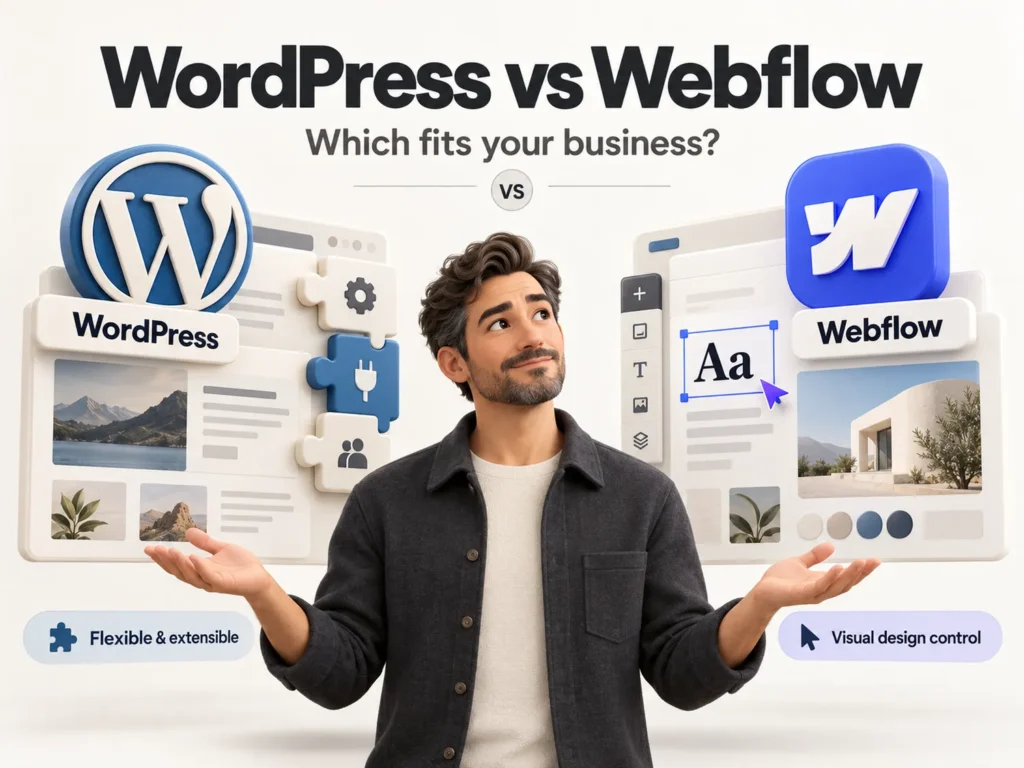
Is WordPress or Webflow better for a business website? Neither is better for everyone. Choose WordPress when you want full control, a large plugin ecosystem and room for custom features such as a shop, memberships or complex content. Choose Webflow when you want a design-led marketing site with built-in hosting and visual animation, and your content needs are simple. Both can rank well in Google.
The real difference is not the logo on the dashboard. It is who maintains the site, how much it must grow and how much freedom your team needs after launch. The sections below compare the points that matter in daily use.
What is the short answer?
- WordPress: open source, flexible, huge ecosystem, needs hosting and regular maintenance.
- Webflow: hosted platform, strong visual design tools, less to maintain, tighter limits on custom logic.
Which one gives more design freedom?
Webflow lets a designer build layouts and animations visually and outputs clean code, so it is a favourite for brand-led sites. WordPress can match any design too, but it depends on the theme and how it is built. A custom theme gives full freedom; a ready-made theme with a page builder is quicker but can add weight.
Which one is easier for your team to edit?
Both offer visual editing for content. Webflow has a clean editor for text and images on a finished design. WordPress offers a familiar editor plus custom fields, so a developer can build simple forms for your team to update services, case studies or products. For large content libraries, WordPress is usually more comfortable.
How do cost, hosting and maintenance compare?
Webflow charges a subscription per site, and hosting, SSL and a content delivery network are included. WordPress software is free, but you pay for hosting, premium plugins and someone to handle updates, backups and security. Webflow costs are predictable; WordPress costs depend on how it is set up. Add up two years, not one month.
| Factor | WordPress | Webflow |
|---|---|---|
| Hosting | Your choice of host | Included in the plan |
| Design freedom | Full, depends on the theme | Full, visual and animation-friendly |
| Content editing | Strong, with custom fields | Clean editor, CMS item limits by plan |
| Plugins and features | Thousands of plugins and custom code | Fewer apps, relies on integrations |
| Maintenance | Updates, backups and security needed | Handled by the platform |
| Online shop | WooCommerce, very flexible | Built-in, simpler |
| Best for | Content, shops and custom features | Marketing sites and landing pages |
How do speed and SEO compare?
Both can pass Google's Core Web Vitals and both support titles, descriptions, schema, redirects and sitemaps. Webflow is fast by default. WordPress is only as fast as its hosting, theme and plugins, which is why the build quality matters. For multilingual sites, WordPress needs a plugin or custom build, while Webflow offers localisation as a paid add-on.
Pick the platform for the next three years of your business, not the next three weeks of your launch.
uSpark delivery team
Which platform fits which business?
Use these rules of thumb as a starting point:
- Choose WordPress if you need a shop, a large blog, memberships, many languages or custom integrations.
- Choose Webflow if you need a striking marketing site, a small team and few content types.
- Choose neither yet if your idea is still unproven; a small first version is cheaper to test. See MVP or full build.
If a shop is part of your plan, read how to lift conversions with these WooCommerce checkout tweaks. If you need to connect either platform to a CRM or other tools, our REST API checklist shows what to settle first.
Frequently asked questions
Is Webflow better for SEO than WordPress?
Neither wins by default. Rankings depend on content, site speed, structure and links. Both platforms give you the technical controls you need.
Can I move from Webflow to WordPress later?
Yes, but plan for it. The design and the content need to be rebuilt or exported, and every old address needs a redirect so you keep your rankings.
Which is cheaper over two years?
It depends on the setup. Webflow has a predictable subscription. WordPress can start cheaper but adds hosting, plugins and maintenance. Compare the full two-year total for your case.
Do I need a developer for either platform?
For a professional result, usually yes. A developer sets up the structure, speed and SEO so your team can then edit content without breaking the design.
The bottom line
The best platform is the one your team can run comfortably and your business will not outgrow soon. Write down what the site must do today and in two years, then choose. If you would like a second opinion, talk to uSpark, and see our WordPress development and Webflow development services, part of Website Development.

uSpark Team
Engineering and strategyWe build websites, e-commerce stores, AI agents and API integrations for growing businesses, and write down what we learn along the way.
More from uSpark Team