


On this page
Which business workflows should you automate first? Start with lead capture, invoice reminders, weekly reports, client onboarding and internal alerts. Each repeats often, follows clear rules and is cheap to fix when it goes wrong, which makes them safe first projects in n8n, an open-source workflow automation tool you can host yourself or use in the cloud.
Small teams lose hours on copying data between tools, chasing payments and writing the same update every week. None of it is hard, and all of it is easy to forget. Business workflow automation turns each of these jobs into steps that run on their own and tell you when something needs a person.
How do you pick a workflow worth automating?
Use five questions. If you can answer yes to most of them, the workflow is a good first candidate:
- Does it happen at least once a week?
- Is the input and the expected result clear?
- Does the data live in tools that have an API or a connector?
- Is a mistake cheap to spot and easy to undo?
- Does one person own the result?
Multiply the minutes per run by the runs per week. That number is your hours saved, and it is also how you compare one workflow against another.
Workflow 1 and 2: Which two save the most time at the start?
Workflow 1: lead capture
A form or website enquiry lands in your CRM or spreadsheet with the right tags, your team is alerted, and the sender gets a confirmation in under a minute. No one retypes anything, and no lead waits in an inbox.
trigger:  new form submission (webhook)
step 1:   validate the fields and remove duplicates
step 2:   create or update the contact in the CRM
step 3:   notify the sales channel
step 4:   send the confirmation email
fallback: alert the owner if any step fails
Workflow 2: invoice reminders
Every morning, the workflow reads unpaid invoices, sends a polite reminder when one is overdue by a set number of days, and logs it. Anything very late is flagged so a person can call. Money messages stay human at the sensitive end.
Workflow 3 and 4: Which two remove manual reporting and setup?
Workflow 3: the weekly report
On Friday the workflow pulls figures from your CRM, store or analytics tool, builds a short summary and sends it to the team. Everyone sees the same numbers without anyone building a spreadsheet.
Workflow 4: client onboarding
When a contract is signed, the workflow creates the project folder and board, sends the welcome email and assigns the first tasks. Every client gets the same smooth start.
Workflow 5: Which alerts should reach your team automatically?
Set up alerts for events someone must act on: a failed payment, stock below a threshold, an urgent support message or a website that is down. Send them to the channel your team actually reads, such as Slack, email or WhatsApp. Alerts are low risk and show value on day one.
| Workflow | Trigger | Main tools | Risk |
|---|---|---|---|
| Lead capture | Form submitted | Form, CRM, email | Low |
| Invoice reminders | Daily schedule | Accounting tool, email | Low |
| Weekly report | Friday schedule | CRM, analytics, email | Medium |
| Client onboarding | Contract signed | Drive, project board, email | Medium |
| Internal alerts | Event occurs | Store or website, Slack | Low |
An automation nobody monitors is just a delayed problem.
uSpark delivery team
How do you keep automations reliable?
A workflow that runs without you must also fail loudly. Build these habits in from the first day:
- Create an error workflow that alerts the owner when a run fails.
- Add retries to steps that call external services.
- Store keys in the credential manager, never inside the steps.
- Test with sample data before you switch it on.
- Keep a person in the loop for money, contracts and deletions.
- Back up your workflows and write down who owns each one.
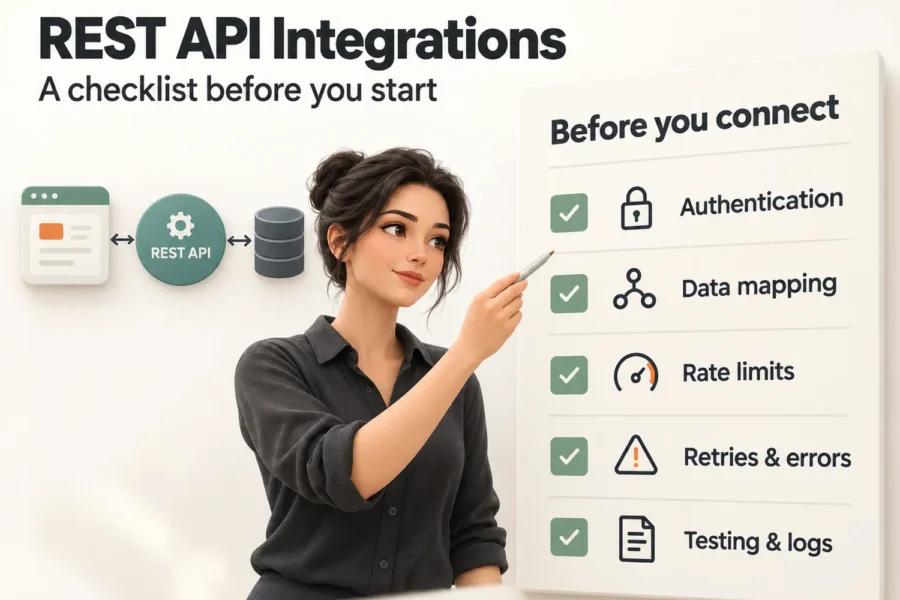
For the steps that talk to other systems, our REST API integration checklist covers authentication, rate limits and retries. If you want a workflow that reads messy input and decides, read how AI agents handle repetitive work.
Frequently asked questions
Is n8n free to use?
n8n publishes its source code and offers a self-hosted edition under its own licence terms, as well as paid cloud plans. Check the current licence and pricing against your use case before you decide.
How is n8n different from Zapier or Make?
All three connect apps. n8n gives you more control, including self-hosting and custom code, while Zapier and Make are often quicker for simple setups. Choose by your team's skills and your data requirements.
Do I need to code to use n8n?
Not for basic workflows, which you build visually. Code helps for custom logic, and a developer is useful for reliability and security.
How long does the first workflow take to build?
A simple workflow can be live in days. Most of the time goes into clarifying the rules and testing edge cases, not into the tool.
The bottom line
You do not need to automate everything. Pick one weekly task with clear rules, build it, watch it for two weeks and measure the hours it returns. Then pick the next. If you want help choosing and building the first one, talk to uSpark, and see our Business Workflow Automation service, part of AI Agents and Automation.

uSpark Team
Engineering and strategyWe build websites, e-commerce stores, AI agents and API integrations for growing businesses, and write down what we learn along the way.
More from uSpark Team