On this page
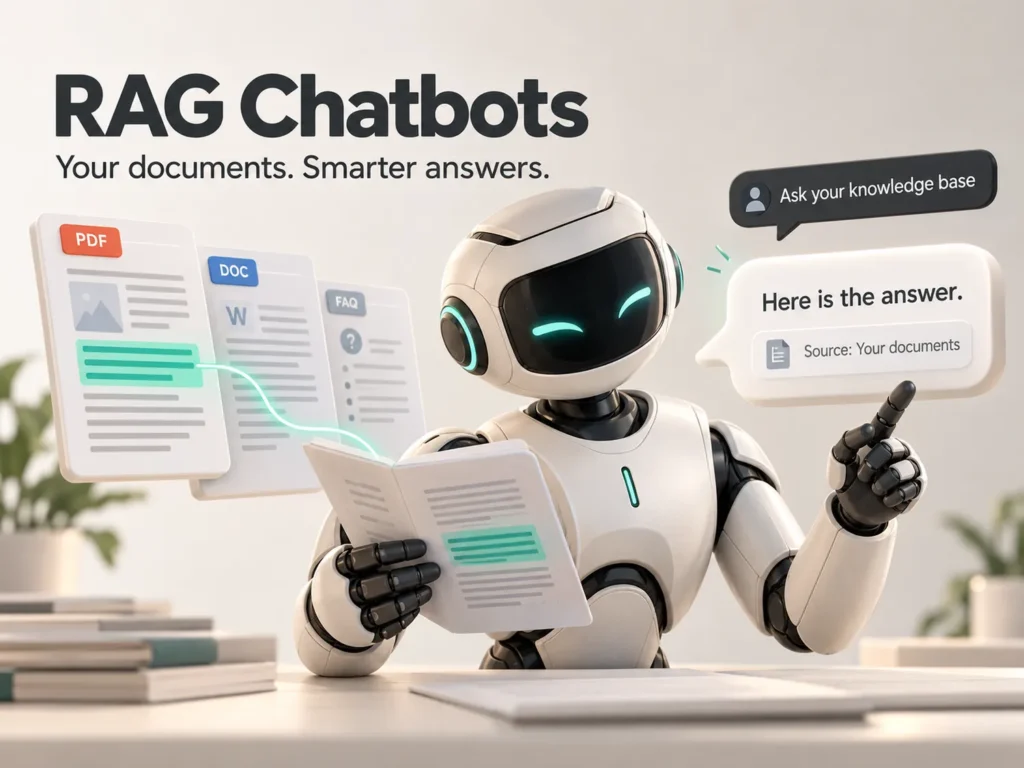
What is a RAG chatbot? A RAG chatbot answers from your own documents instead of guessing. RAG stands for retrieval-augmented generation: the system first searches your files for the passages that match the question, then hands those passages to a language model to write the answer, usually with a link to the source. That is why a RAG chatbot is more reliable on your own policies, prices and procedures.
Most businesses already hold the answers in handbooks, product sheets, support articles and past replies. The trouble is finding them quickly. A knowledge base chatbot built with RAG puts that material to work for customers and staff, around the clock.
What does RAG mean in plain words?
Think of an open-book exam. A normal chatbot answers from memory. A RAG chatbot is allowed to open your documents, find the right page and then explain it in a clear answer. It still writes in natural language, but the facts come from your material.
Why do ordinary chatbots make things up?
A language model predicts likely text from what it learned in training. It has not read your latest price list or return policy, and it does not know when it is wrong. When it lacks the facts it can produce an answer that sounds confident and is incorrect, which people call a hallucination. For a business that is a real risk.
| Ordinary chatbot | RAG chatbot | |
|---|---|---|
| Source of answers | General model knowledge | Your own documents |
| Up to date | Only as of its training | As current as your files |
| Shows sources | Rarely | Usually, with a link |
| Risk of invented answers | Higher | Lower, not zero |
| Setup effort | Low | Medium: documents need preparation |
How is a knowledge base chatbot built?
The build follows six steps:
- Collect the documents the chatbot may use and remove outdated ones.
- Split them into small passages that each hold one idea.
- Turn each passage into numbers called embeddings and store them in a searchable index.
- When a question arrives, retrieve the passages that match it best.
- Ask the language model to answer only from those passages and to cite them.
- If nothing relevant is found, say so and hand over to a person.
The last step matters most. A chatbot that says it does not know is far safer than one that guesses. For channels like WhatsApp, the same handover rules apply.
A chatbot is only as honest as the documents behind it.
uSpark delivery team
What are the best first use cases?
- Customer support: answers on delivery, returns, warranty and how-to questions.
- Internal help: HR policies, IT instructions and onboarding questions for staff.
- Sales: product details, specifications and common objections from your own sheets.
- Operations: procedures and checklists that people keep asking about.
Pick one area with a clear set of documents and a clear owner. It is the same advice as for AI agents: start small and measure.
How do you keep the answers accurate over time?
- Give every document an owner and a review date.
- Re-index the content whenever a document changes.
- Keep a test set of 30 to 50 real questions and check it after every change.
- Log questions the chatbot could not answer and turn them into new content.
- Respect permissions, so people only get answers from documents they may see.
- Choose hosting and providers that match your privacy needs, including GDPR where it applies.
Reading the chat logs every week is the simplest quality check, and tools such as n8n can send the unanswered questions to the content owner automatically.
Frequently asked questions
Is RAG the same as fine-tuning a model?
No. Fine-tuning changes the model itself. RAG leaves the model alone and gives it relevant passages at question time, which makes updates much easier: you change the document, not the model.
Can a RAG chatbot show its sources?
Yes, and it should. Showing the passage or a link lets people check the answer and builds trust.
Does RAG stop hallucinations completely?
No. It reduces them a lot, but the model can still misread a passage. Guardrails, source links and a fallback to a person remain necessary.
What documents work best?
Clean, current, text-based files such as policies, manuals, web pages and support articles. Scanned images need text recognition first, and contradictory or outdated files should be fixed before you connect them.
The bottom line
You do not need a chatbot that knows everything. You need one that knows your business, shows where its answers come from and admits when it does not know. Start with one set of documents, test with real questions and improve every week. If you would like help, talk to uSpark, and see our AI Knowledge Base and RAG Chatbots service, part of AI Agents and Automation.

uSpark Team
Engineering and strategyWe build websites, e-commerce stores, AI agents and API integrations for growing businesses, and write down what we learn along the way.
More from uSpark Team